
When your computer breaks, the immediate instinct is to search for the “best computer repair shop near me” and hope for a quick, affordable fix. But a quick search reveals dozens of options, all claiming to be the best. How do you choose? The reality is that the computer repair quality between shops can vary dramatically, and making the wrong choice can lead to a botched repair, lost data, or a much higher bill than necessary.
Choosing a repair shop is about more than just proximity and price; it’s about trust, expertise, and value. At Chipfixers Infotech, we believe an educated customer is the best customer. We want you to understand what separates a truly professional IT service from the rest.
Table of Contents
This definitive guide will walk you through the seven critical factors to consider, empowering you to find a trustworthy technician and get the high-quality service your device deserves.
1. Do They Offer a Free, Comprehensive Diagnostic?
A major red flag is a shop that wants to charge you just to look at your computer. A reputable service will be confident enough in its ability to win your business that it will offer a free diagnostic exam.
However, not all diagnostics are created equal. A “free diagnostic” that just involves a quick power-on test isn’t enough. A proper diagnosis should be thorough, aiming to pinpoint the exact root cause of the problem. This prevents unnecessary work. For example, if your laptop is slow, is it a failing hard drive, insufficient RAM, or a software issue? A quality shop will test each component to find out.
What to look for: A shop that offers a no-obligation, free diagnostic computer repair assessment as a standard first step.
2. What is Their Technicians’ Level of Expertise?
Who, exactly, will be working on your machine? The title “technician” is used loosely in this industry. An expert computer technician has experience with a wide range of devices and problems, from simple software glitches to complex hardware failures.
Questions to ask the repair shop:
- “Are your technicians certified (e.g., CompTIA A+, Apple Certified)?”
- “How much experience do you have with my specific device model (e.g., Dell XPS, MacBook Pro)?”
- “Can you handle advanced repairs in-house?”
This last question is crucial and leads to our next point.
3. Do They Perform Component-Level Repair?
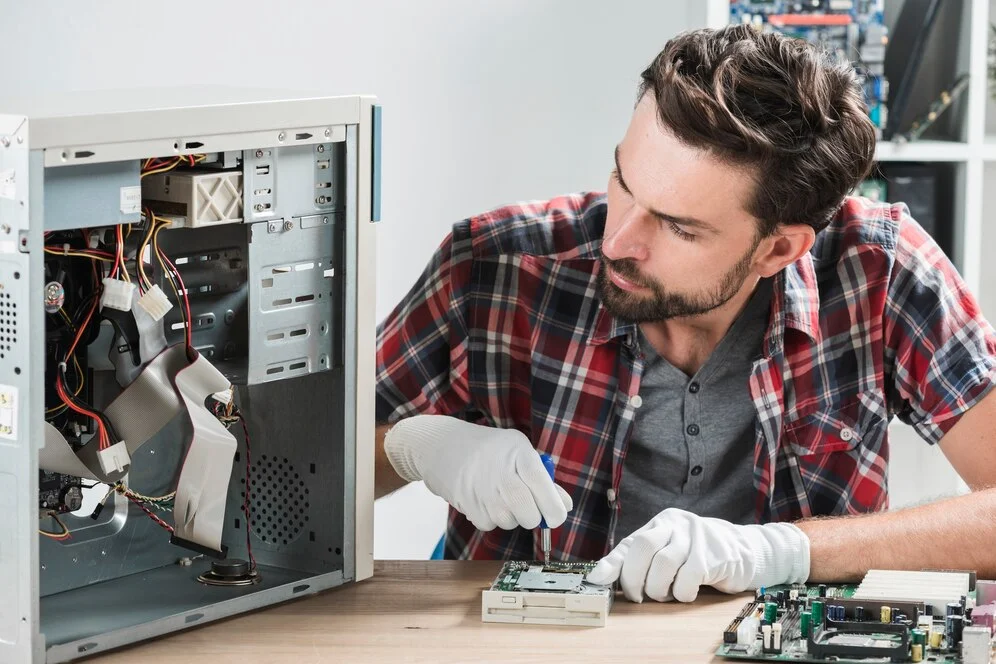
This is perhaps the biggest differentiator in computer repair quality. Most repair shops are “part swappers.” If your motherboard has a single faulty capacitor, they will tell you the entire motherboard is dead and needs to be replaced—a very expensive job.
A truly elite shop, like Chipfixers Infotech, performs component-level motherboard repair. This means our technicians have the micro-soldering skills and equipment to identify and replace the single tiny, failed component on the circuit board.
Why this matters:
- It’s Cheaper: Replacing a £2 capacitor is vastly more affordable than replacing a £500 motherboard.
- It’s Faster: We don’t have to wait for a specific motherboard model to be shipped.
- It’s Better for the Environment: Repairing instead of replacing reduces e-waste.
Always ask: “Do you offer component-level repairs, or do you just replace the whole part?”
4. Is Their Pricing Transparent?
You should never have to guess what a repair will cost. A trustworthy shop will provide a firm, detailed quote after the diagnostic and before any work begins. Be wary of vague estimates or hourly rates that can quickly spiral out of control.
What to look for: A clear, itemized quote that breaks down the cost of parts and labour. There should be no hidden fees.
5. What Kind of Warranty Do They Offer?
A laptop repair warranty is a direct reflection of the shop’s confidence in its own work and the quality of the parts it uses. A shop that offers only a 30-day warranty might not be using the best components. A solid warranty of 90 days, 6 months, or even a year provides peace of mind and protects your investment.
6. How Do They Handle Your Data?
Your computer contains your personal and professional life. Secure data handling repair is non-negotiable. A professional shop will have a strict privacy policy and clear procedures for backing up data (with your permission) before a repair that might affect the storage drive. They should be able to explain their security protocols to you. For context on data protection standards, you can refer to guidelines from organizations like the Information Commissioner’s Office (ICO) in the UK (external link, nofollow).
7. What Do Real Customers Say?
Finally, check computer repair reviews online. But read them with a critical eye. A flood of perfect, generic 5-star reviews can be a red flag. Look for detailed reviews that describe a specific problem and praise the shop for its communication, speed, and quality of the fix. How a shop responds to the occasional negative review is also very telling.
Conclusion: Making the Right Choice for Your Repair
When you search for the “best computer repair shop near me,” you’re looking for a service that is skilled, honest, and reliable. By using these seven points as a checklist, you can confidently vet local PC repair services and find one that truly deserves your business.
At Chipfixers Infotech, we proudly meet and exceed these standards. We built our reputation on transparent pricing, expert component-level repairs, and an unwavering commitment to quality. Contact us for a free, comprehensive diagnostic and experience the difference for yourself.