
MacBook Water Damage: Emergency Response and Professional Recovery
MacBook water damage can happen in seconds but cause permanent damage within hours if not handled properly. Whether you’ve spilled coffee on your MacBook Pro, dropped your MacBook Air in water, or experienced any other liquid exposure, immediate action is critical to saving your device and precious data.
At Chipfixers Infotech, we provide MacBook emergency repair services specifically designed for liquid damage situations. Our same-day recovery process has successfully restored over 2,000 water-damaged MacBooks, often saving devices that other repair shops declared “unrepairable.”
Table of Contents
Critical First Response: The Golden Hour
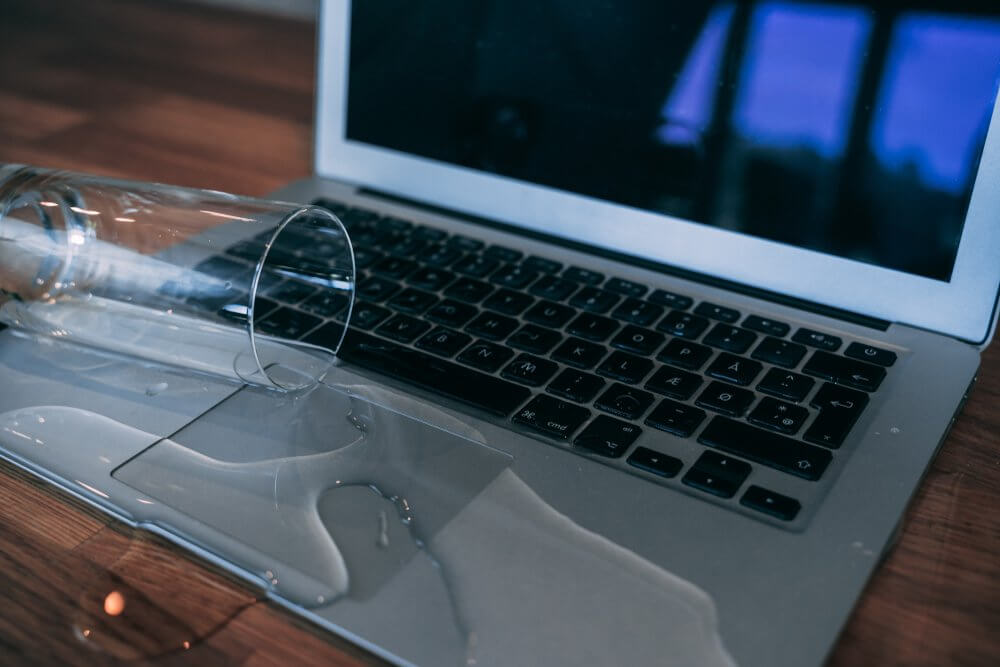
When MacBook liquid damage repair is needed, the first hour after exposure is absolutely critical. Corrosion begins immediately when liquid contacts electronic components, and every minute of delay reduces your chances of complete recovery.
STOP – Do This Immediately:
- Power Off Instantly – Hold the power button for 10 seconds to force shutdown
- Unplug Everything – Remove charger, USB devices, and all connections
- Don’t Press Keys – Avoid pushing liquid deeper into the keyboard
- Call Emergency Services – Contact professional repair immediately
The most important thing to understand: Do NOT attempt to turn on your MacBook to “see if it still works.” This single action causes more permanent damage than the original spill in most cases.
5-Step Emergency Response Protocol
Step 1: Immediate Shutdown and Isolation
MacBook water damage recovery begins with preventing electrical damage. When liquid contacts live circuits, it can cause short circuits that destroy multiple components simultaneously.
Emergency Actions:
- Force shutdown immediately (hold power button)
- Flip MacBook upside down in a tent position
- Remove external devices and cables
- Do not shake or move aggressively
Why This Matters: Live electricity + liquid = component destruction. Every second your MacBook remains powered with liquid inside increases damage exponentially.
Step 2: External Liquid Removal
MacBook spill damage often involves liquid pooling in keyboard areas, ports, and ventilation gaps. Quick external removal prevents liquid from seeping deeper into internal components.
Safe Removal Technique:
- Use absorbent cloth to dab (don’t wipe) external surfaces
- Tilt gently to allow liquid to drain from ports
- Avoid compressed air (can push liquid deeper)
- Document liquid type for professional assessment
Critical Warning: Never use heat sources like hair dryers or place MacBooks in rice. These methods can cause more damage than the original spill.
Step 3: Position for Drainage
Proper positioning allows gravity to work in your favor, helping liquid drain away from critical components rather than settling deeper into the logic board.
Optimal Positioning:
- Tent position (screen open, keyboard facing down)
- Slight angle to encourage drainage toward less critical areas
- Stable surface to prevent falls
- Away from heat sources and direct sunlight
Step 4: Contact Professional Emergency Services
MacBook same day repair services are essential for liquid damage because corrosion accelerates rapidly. Professional intervention within the first few hours dramatically improves recovery success rates.
Emergency Contact Information:
- Document the type of liquid spilled
- Note the approximate amount of liquid
- Identify which areas were affected
- Prepare serial number and model information
Step 5: Professional Transport Preparation
If bringing your MacBook to emergency repair services, proper transport prevents additional damage during the journey.
Transport Protocol:
- Keep in tent position during transport
- Use towels to prevent sliding
- Avoid temperature extremes
- Bring power adapter for diagnostic testing
Professional Recovery Process: What Happens Next
Our MacBook professional repair process for liquid damage follows a systematic approach developed over years of emergency recovery work.
Stage 1: Emergency Triage Assessment (30 minutes)
Upon arrival, our technicians perform immediate damage assessment:
- Visual Inspection: Identifying liquid penetration areas
- Electrical Testing: Checking for short circuits and power delivery
- Corrosion Assessment: Evaluating chemical damage progression
- Component Inventory: Documenting affected parts
This assessment determines whether your MacBook needs emergency intervention or can follow standard repair protocols.
Stage 2: Immediate Disassembly and Cleaning
MacBook liquid damage cost is minimized when corrosion is stopped quickly. Our emergency disassembly process includes:
Complete Teardown:
- Logic board removal within 60 minutes of arrival
- Battery disconnection to prevent further electrical damage
- Component isolation for individual assessment
- Documentation of all liquid contact points
Ultrasonic Cleaning Process:
- Specialized cleaning solutions for different liquid types
- Multi-stage cleaning cycles
- Microscopic inspection after each cycle
- Neutralization of acidic or corrosive substances
Stage 3: Component-Level Damage Assessment
MacBook water damage service requires evaluating each component individually because liquid damage is rarely uniform across the system.
Professional Diagnostic Testing:
- Logic board circuit testing
- Individual component functionality verification
- Data storage assessment
- Keyboard and trackpad evaluation
- Display and cable integrity checking
Stage 4: Professional Restoration Process
Our MacBook damage restoration process addresses both visible and hidden damage:
Circuit Board Restoration:
- Microscopic cleaning of logic board components
- Corrosion removal from circuit traces
- Component replacement when necessary
- Protective coating application
Data Recovery Priority:
- SSD extraction and testing
- Data backup before restoration work
- File system repair when needed
- Verification of data integrity
Same-Day Emergency Service Options
MacBook repair emergency situations require flexible service options to meet urgent deadlines and critical data needs.
Express Emergency Service (4-6 Hours)
- Immediate intake and assessment
- Priority technician assignment
- Expedited parts sourcing
- Real-time progress updates
Business Critical Service (2-4 Hours)
- C-suite and business professional priority
- Loaner device available
- On-site pickup and delivery
- Guaranteed data protection
Student Emergency Service (6-8 Hours)
- Special pricing for educational situations
- Flexible payment options
- Data recovery focus
- Academic deadline consideration
Types of Liquid Damage We Handle
Different liquids require specialized MacBook liquid spill fix approaches:
Water and Clear Liquids
- Fastest treatment response
- Minimal corrosive effects
- High recovery success rate
- Standard cleaning protocols
Coffee and Caffeinated Beverages
- Sugar content creates sticky residues
- Acidic properties increase corrosion
- Complex cleaning requirements
- Component replacement often needed
Alcoholic Beverages
- High conductivity when wet
- Residue problems when dry
- Variable sugar content
- Specialized cleaning solutions required
Carbonated Soft Drinks
- Highly acidic and corrosive
- Sugar and additive complications
- Rapid component damage
- Aggressive cleaning protocols needed
Cost Factors in Water Damage Recovery
MacBook liquid damage cost varies significantly based on several factors:
Damage Severity Levels:
Level 1 – Surface Exposure ($150-$300)
- Keyboard and trackpad area only
- No logic board penetration
- Quick cleaning and testing
Level 2 – Moderate Penetration ($300-$600)
- Logic board exposure but limited corrosion
- Some component replacement needed
- Extended cleaning process
Level 3 – Severe Damage ($600-$1,200)
- Extensive logic board corrosion
- Multiple component failures
- Major restoration work required
Time-Based Pricing:
- 0-2 hours after spill: Best pricing tier
- 2-12 hours: Standard emergency rates
- 12-48 hours: Increased complexity pricing
- 48+ hours: Extensive restoration required
Success Rates and Recovery Statistics
Our MacBook water damage specialist team maintains detailed success rate statistics:
- Within 2 hours: 95% full recovery rate
- 2-12 hours: 85% full recovery rate
- 12-48 hours: 70% full recovery rate
- 48+ hours: 50% full recovery rate
These statistics demonstrate why immediate professional intervention is critical.
Prevention and Protection Strategies
While we specialize in MacBook urgent repair after damage occurs, prevention remains the best strategy:
Workspace Safety:
- Keep liquids away from work area
- Use spill-proof containers
- Maintain clean, organized workspace
- Consider protective keyboard covers
Travel Precautions:
- Secure liquid containers in bags
- Use padded laptop compartments
- Avoid eating/drinking over devices
- Carry emergency contact information
Emergency Contact and Response System
Our MacBook liquid recovery emergency response system operates 24/7:
Immediate Response Hotline:
- Emergency Line: Available 24/7/365
- Average Response: Under 15 minutes
- Emergency Pickup: Within 2 hours metro area
- After-Hours Service: Weekend and holiday availability
Emergency Service Areas:
- Priority Zone: Same-day service guaranteed
- Extended Zone: Next-day service available
- Remote Areas: Expedited shipping options
- International: Partner network coordination
Quality Assurance and Warranties
Professional MacBook water damage recovery includes comprehensive quality assurance:
Testing Protocols:
- Full functionality verification
- Stress testing under normal usage conditions
- Data integrity confirmation
- Performance benchmarking against original specifications
Warranty Coverage:
- 90-day warranty on all recovery work
- Parts and labor fully covered
- No-charge re-service if issues develop
- Data recovery guarantee when technically possible
For more information about liquid damage recovery standards, visit the Consumer Technology Association website (nofollow).
Advanced Recovery Techniques
Our MacBook water damage steps include advanced techniques not available at standard repair shops:
- Microscopic Component Cleaning: Individual chip-level restoration
- Circuit Trace Repair: Rebuilding damaged pathways
- Component-Level Testing: Verifying each part individually
- Protective Coatings: Preventing future corrosion
- Performance Optimization: Ensuring full functionality restoration
Conclusion: Act Fast, Choose Professionals
MacBook water damage represents one of the most time-sensitive repair emergencies in consumer electronics. The difference between immediate professional intervention and delayed response often determines whether your MacBook and data can be fully recovered.
At Chipfixers Infotech, we understand that liquid damage doesn’t follow business hours. Our emergency response system, specialized equipment, and experienced technicians are ready to begin recovery work immediately, maximizing your chances of complete restoration.
Don’t let liquid damage become data loss and expensive replacement costs. Every minute matters in water damage recovery, and professional intervention provides the best chance of saving both your device and your valuable information.
🚨 MacBook Water Damage Emergency Response:
- 📞 24/7 Emergency Hotline: Call immediately for guided first aid
- 🚗 Emergency Pickup Service: We come to you within 2 hours
- ⚡ Same-Day Recovery: Express service for urgent situations
- 💾 Data Protection Priority: Your files are our first concern
- 🔧 Professional Equipment: Ultrasonic cleaning and microscopic repair
Time is critical – every minute counts in water damage recovery!
Spilled liquid on your MacBook? Don’t wait – contact our emergency water damage hotline immediately. Our specialists are standing by 24/7 to guide you through immediate response steps and arrange emergency recovery services.